This article will explain how to create True/ False question type with the scoring methods “By a combination of answers” and “By Answer Weight”.
Adding questions to a Question Pool
- To add questions to a question pool, navigate to “Tests/Question pools”.

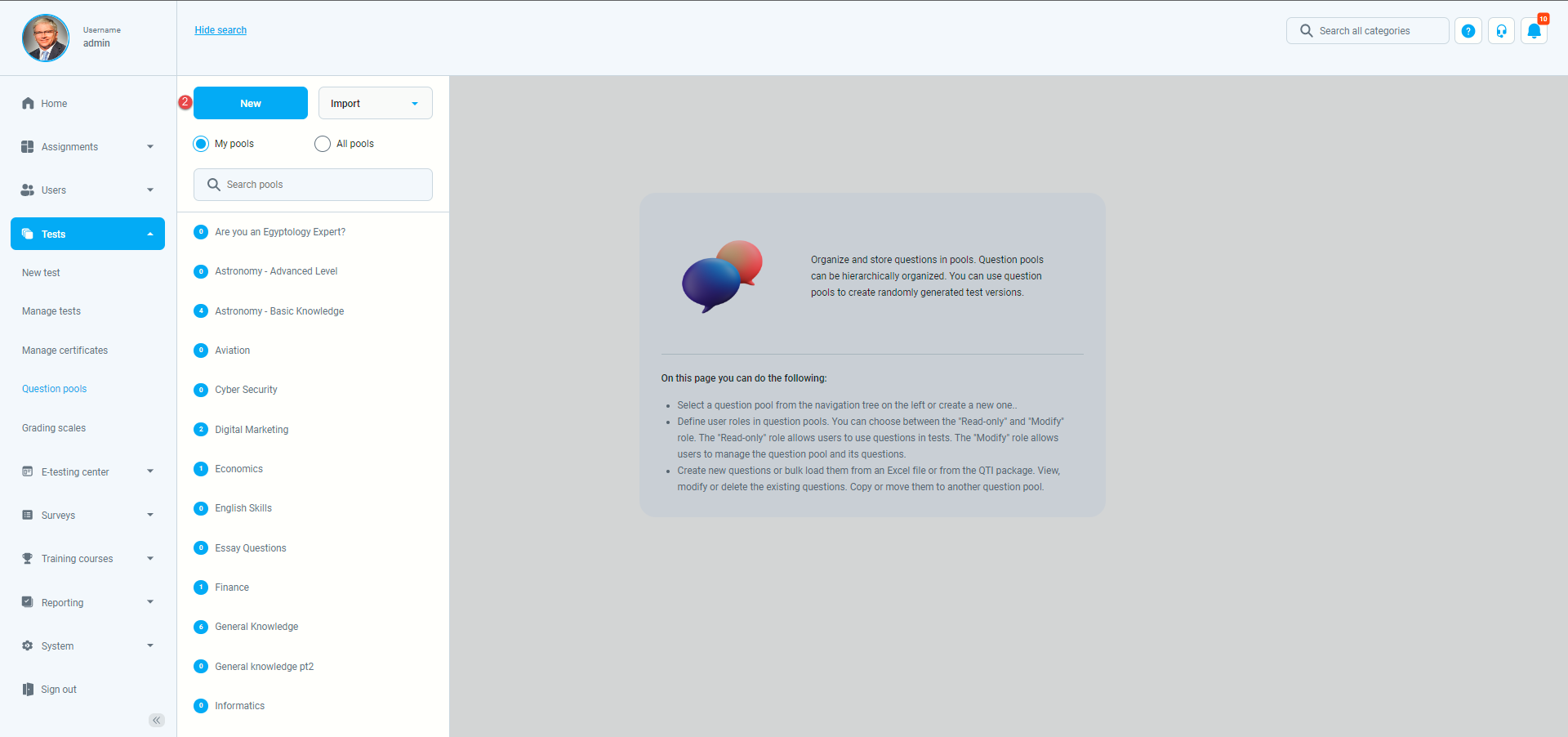
- To add questions to a new question pool, click the “New” button.
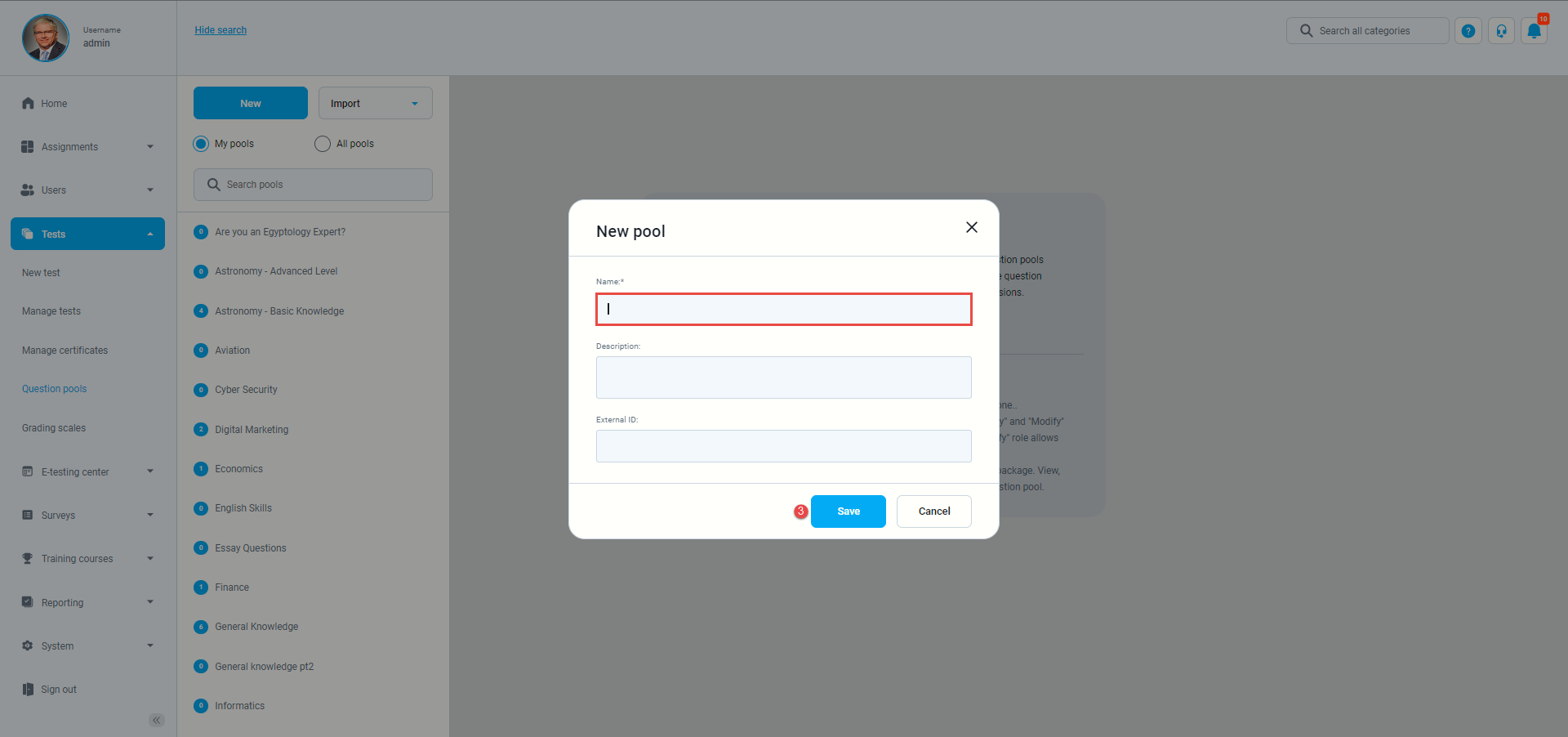
- In the pop-up window, add a pool name and save it.
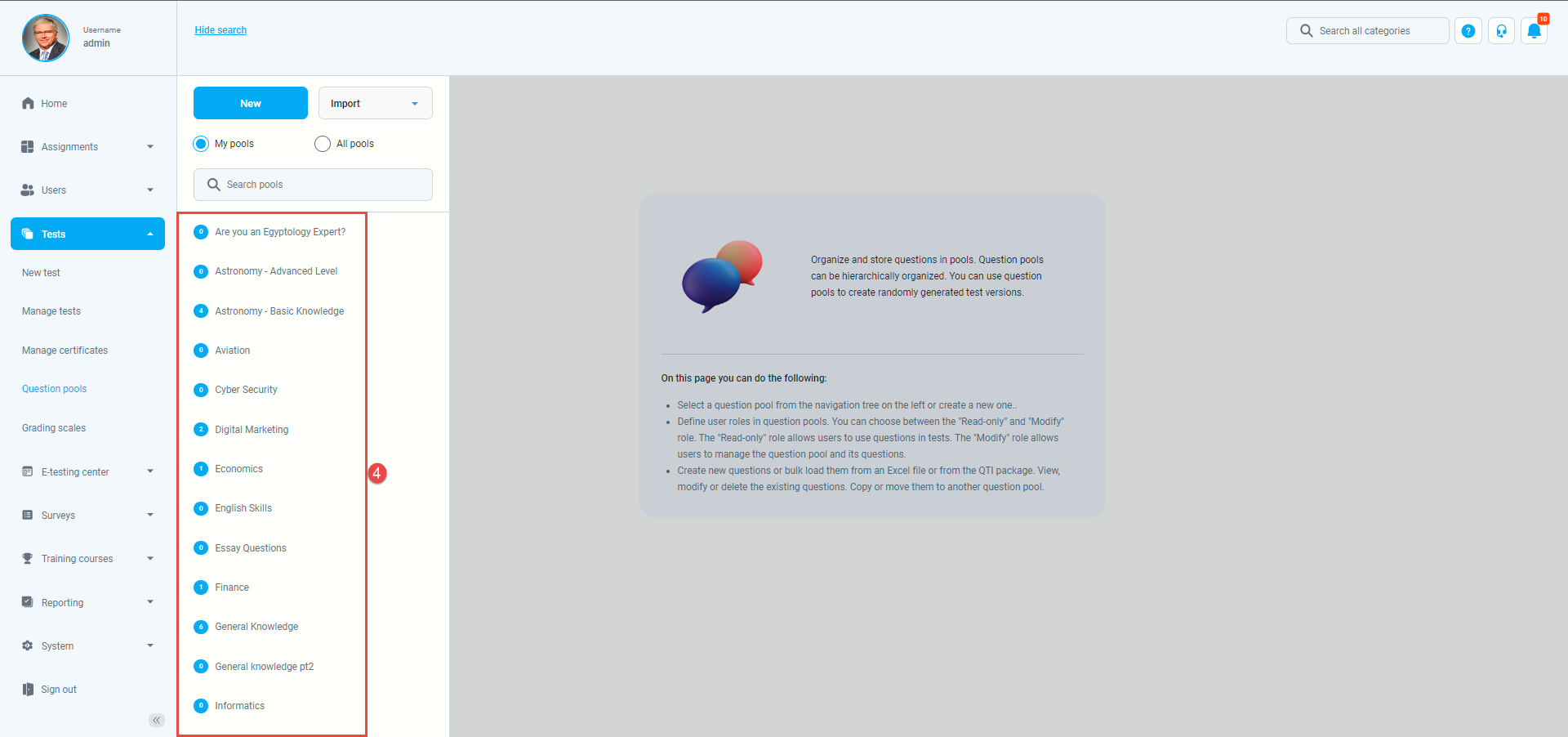
- To add questions to an existing question pool, select the pool name from the list of pools.
True/ False question
- To add a True/ False question to a newly created or an existing question pool, select the “Questions” tab.
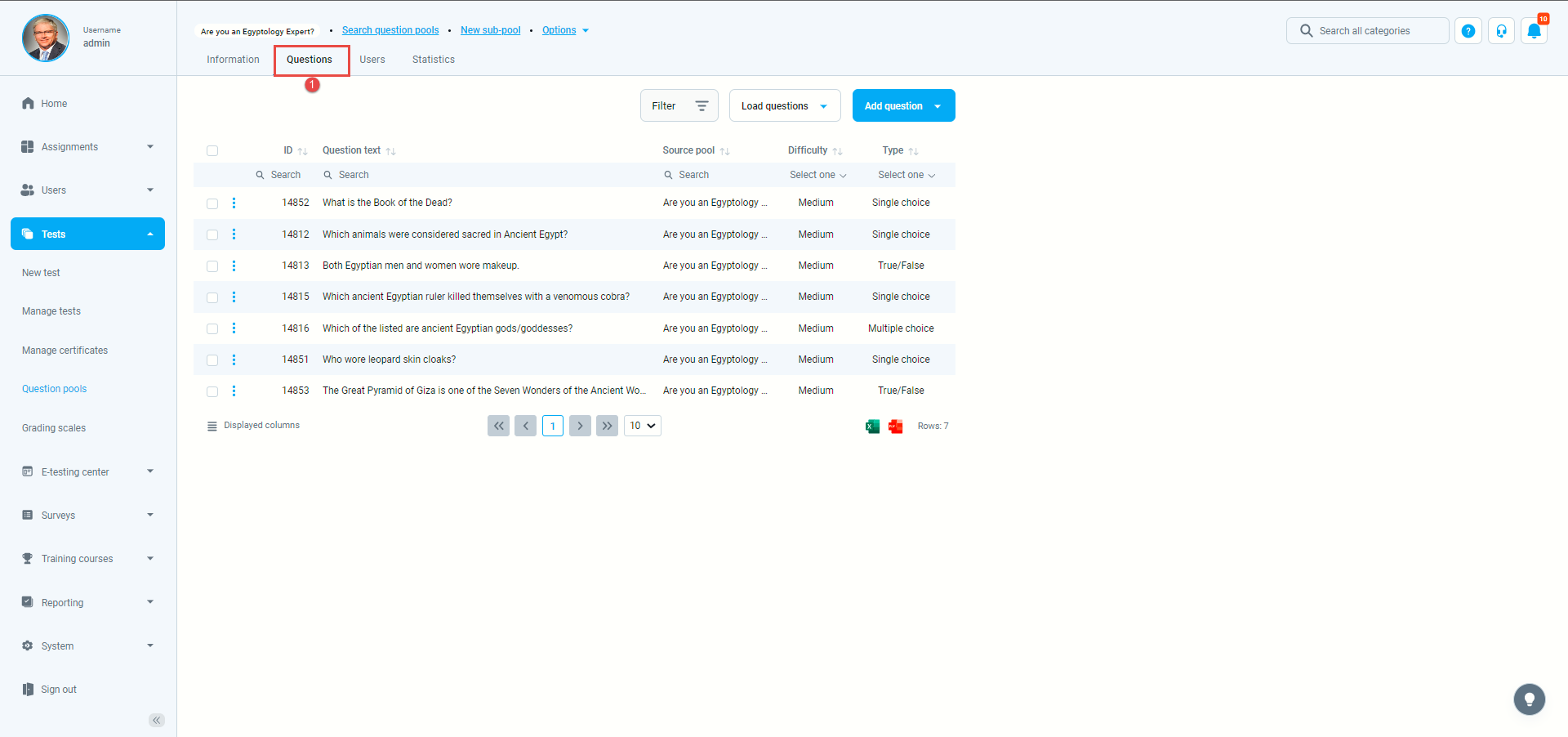
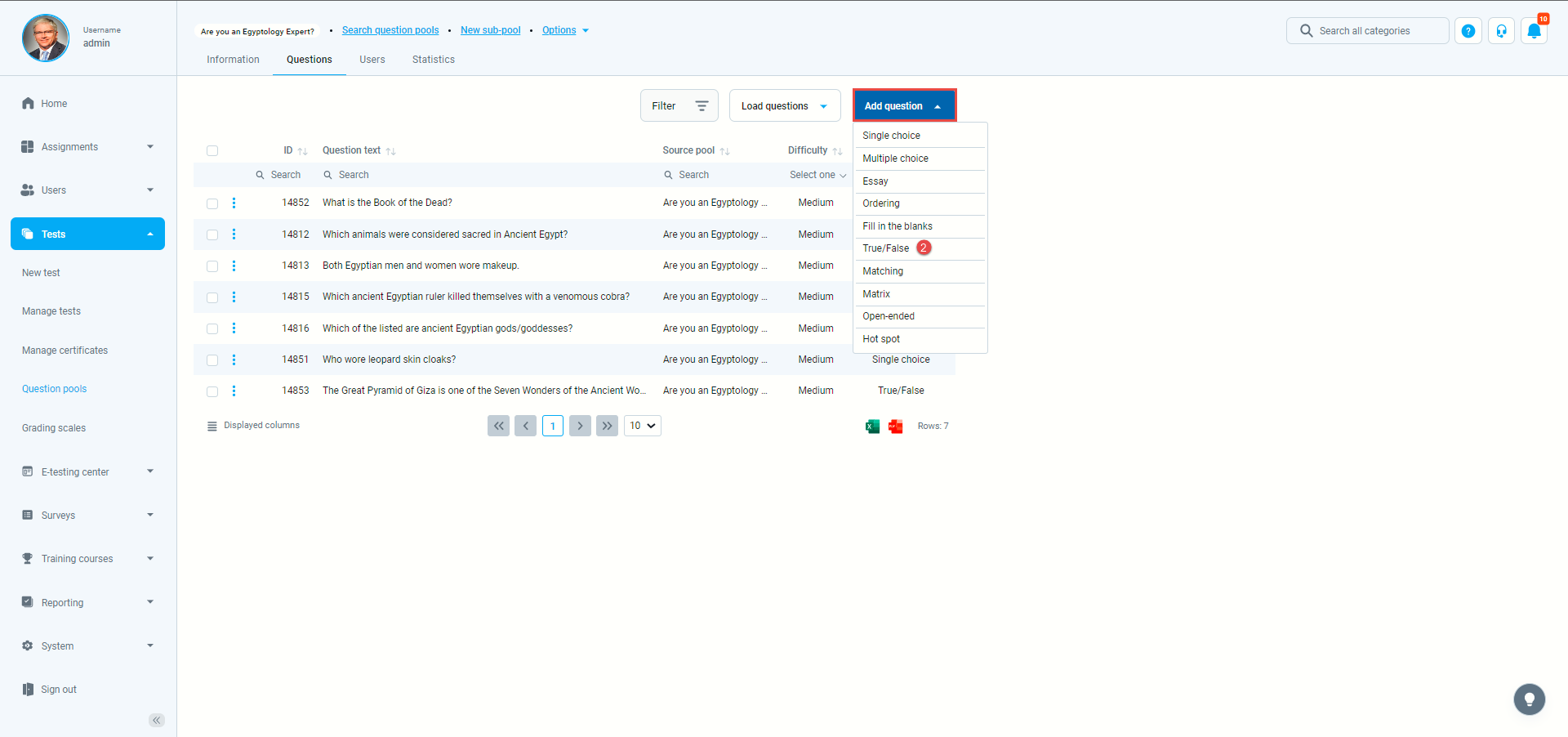
- Click the “Add questions” button and select the “True/ False” option.
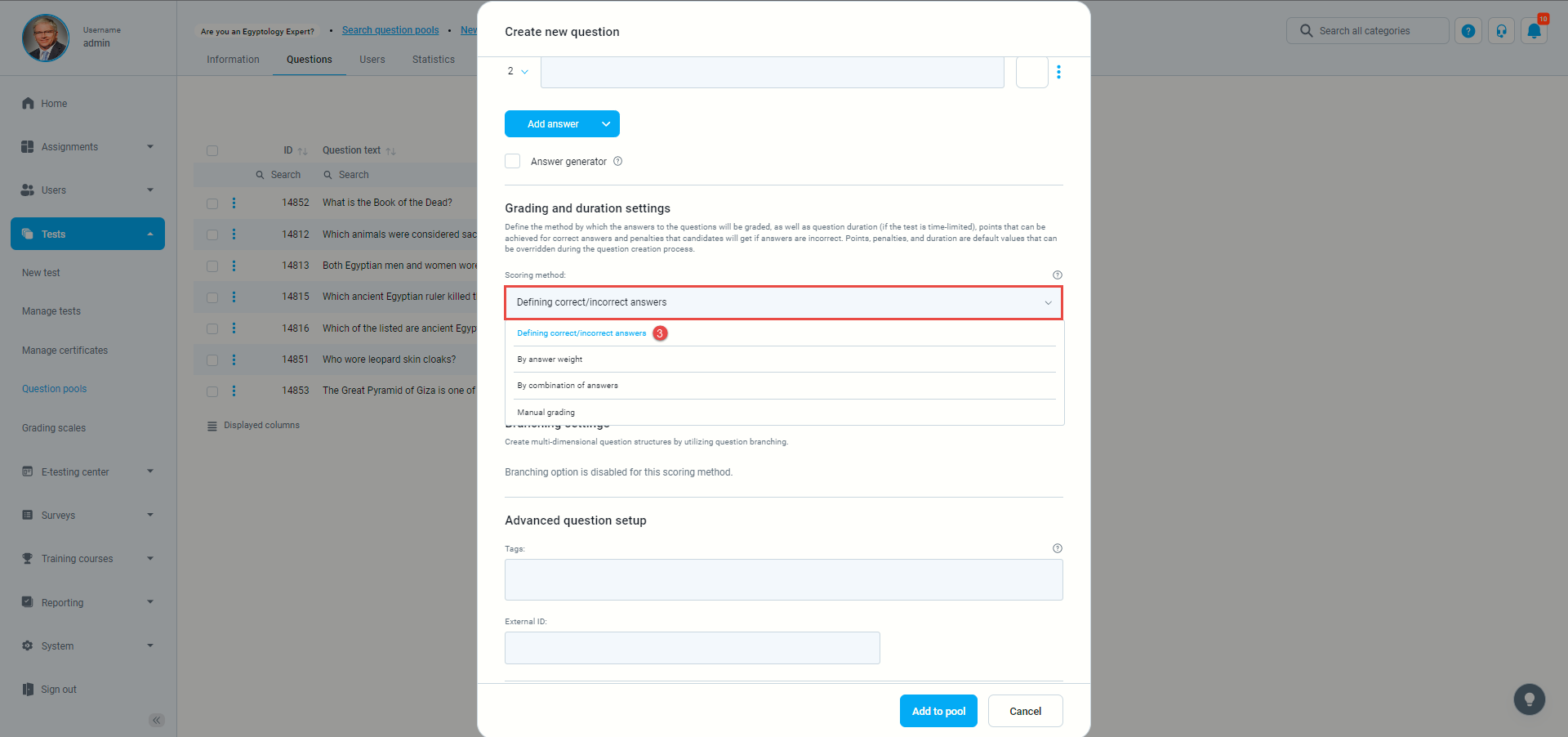
- Open the dropdown menu on the “Scoring method” and select the “Define correct and Incorrect answers” option.
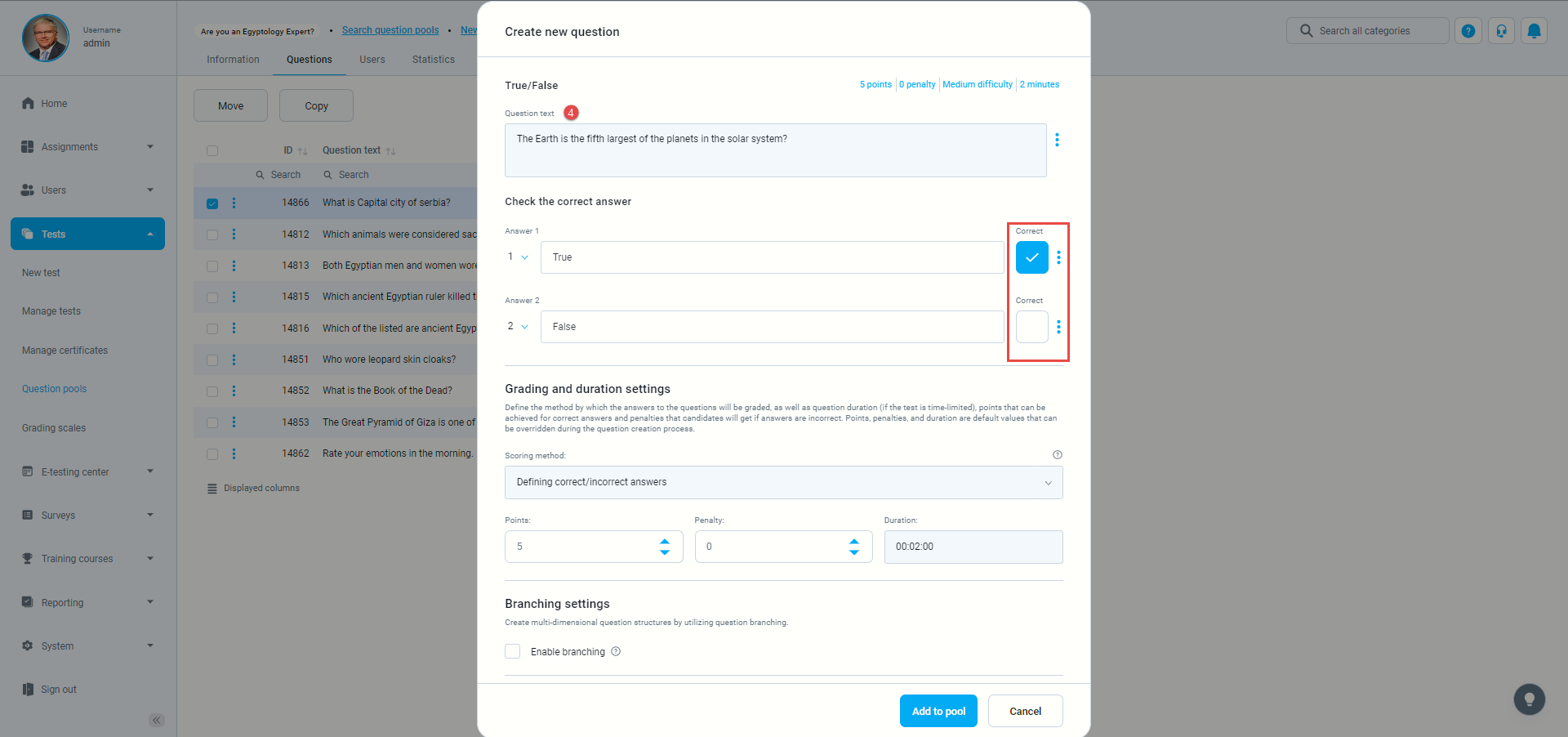
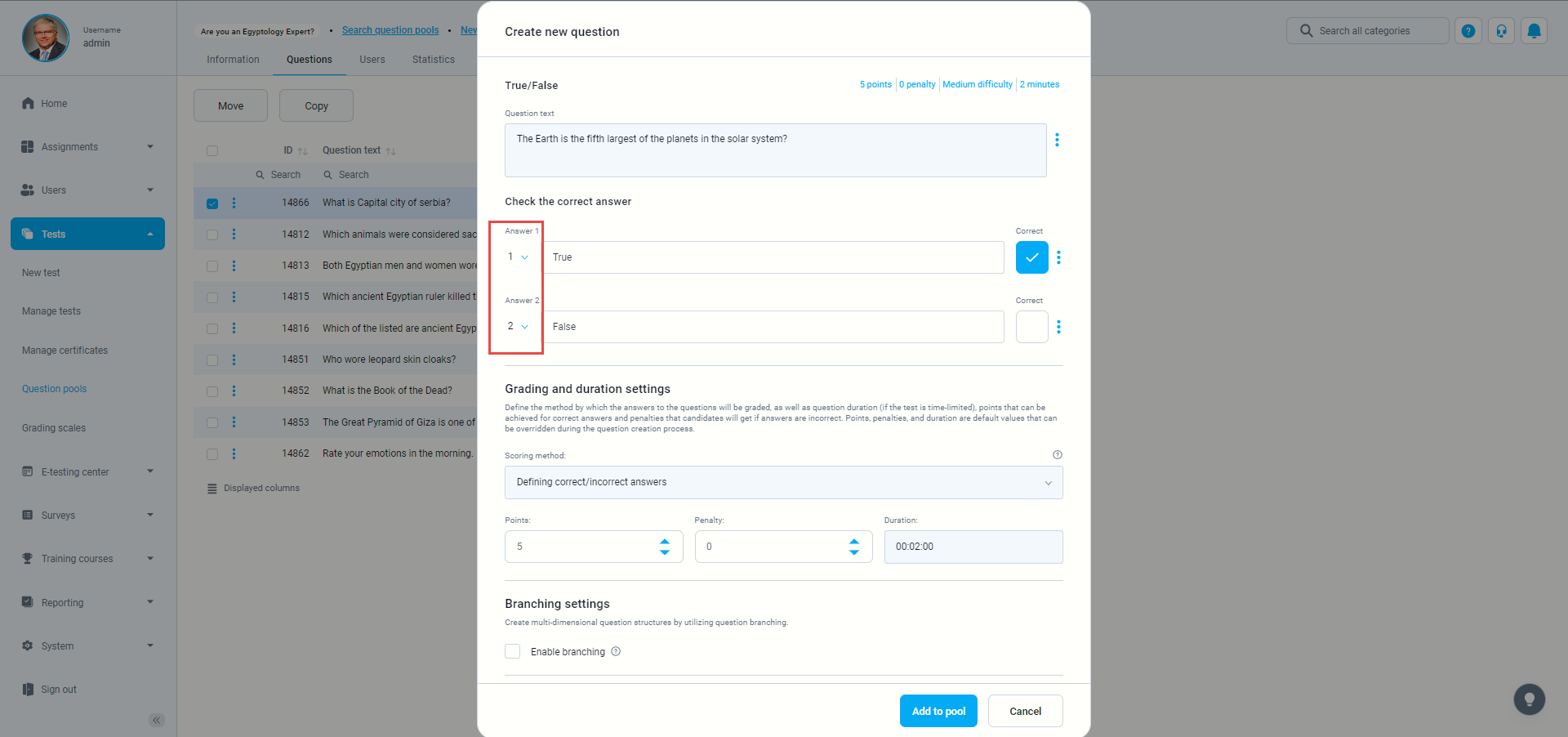
- Enter the question text and check the correct answer.
- You can define the order of questions.
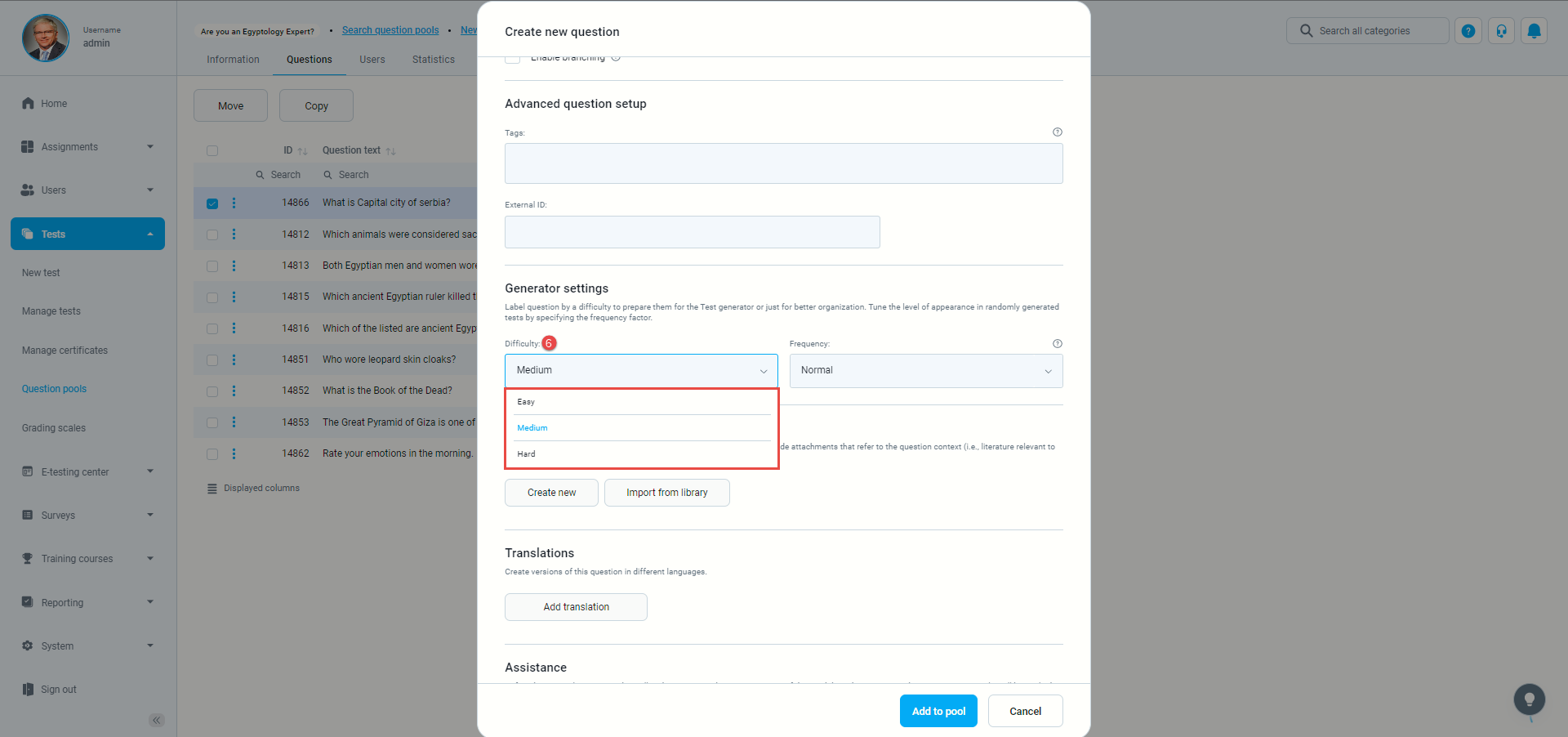
- Click on “Difficulty” to choose the difficulty level.
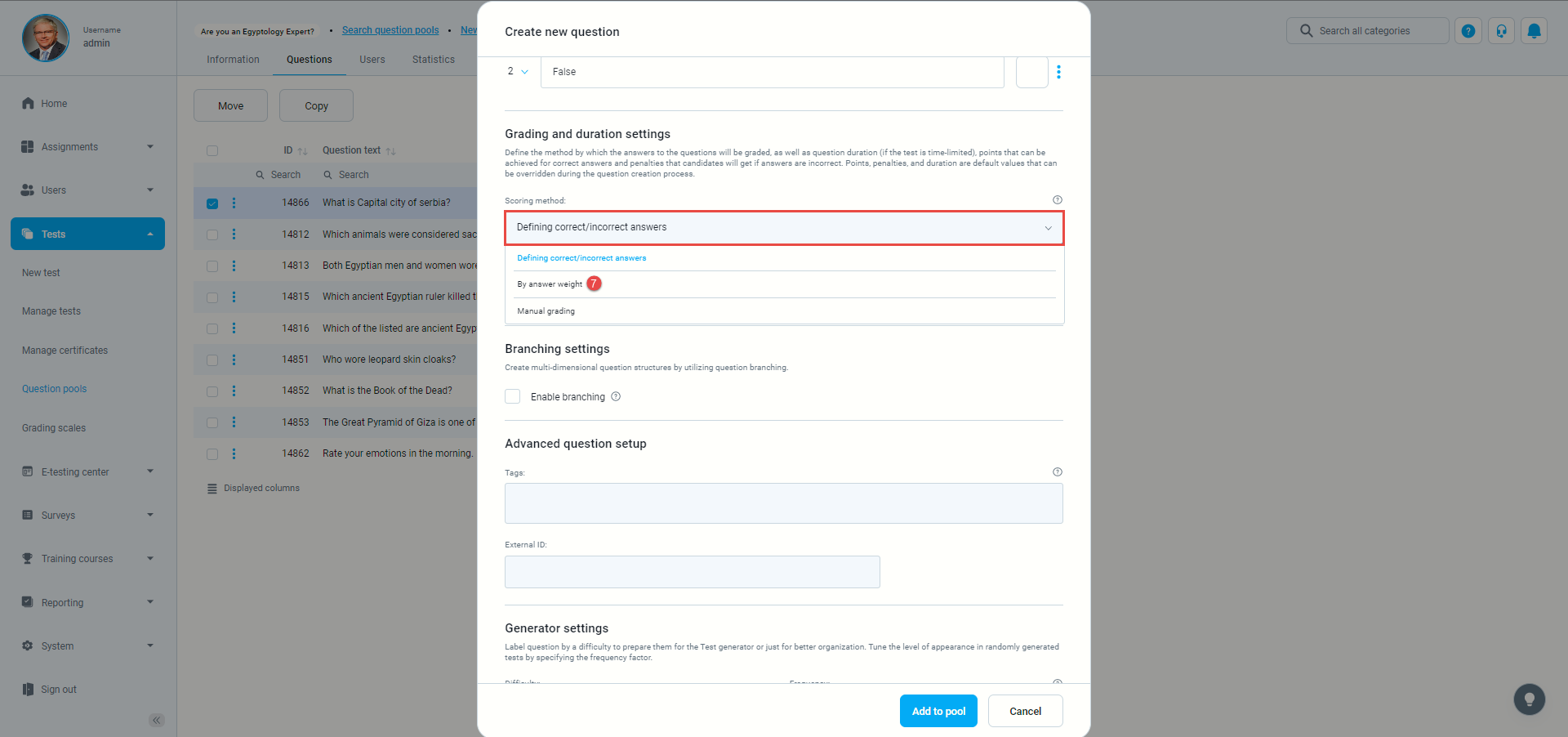
- Open the dropdown menu on the “Scoring method” and select the “By answer weight” option.
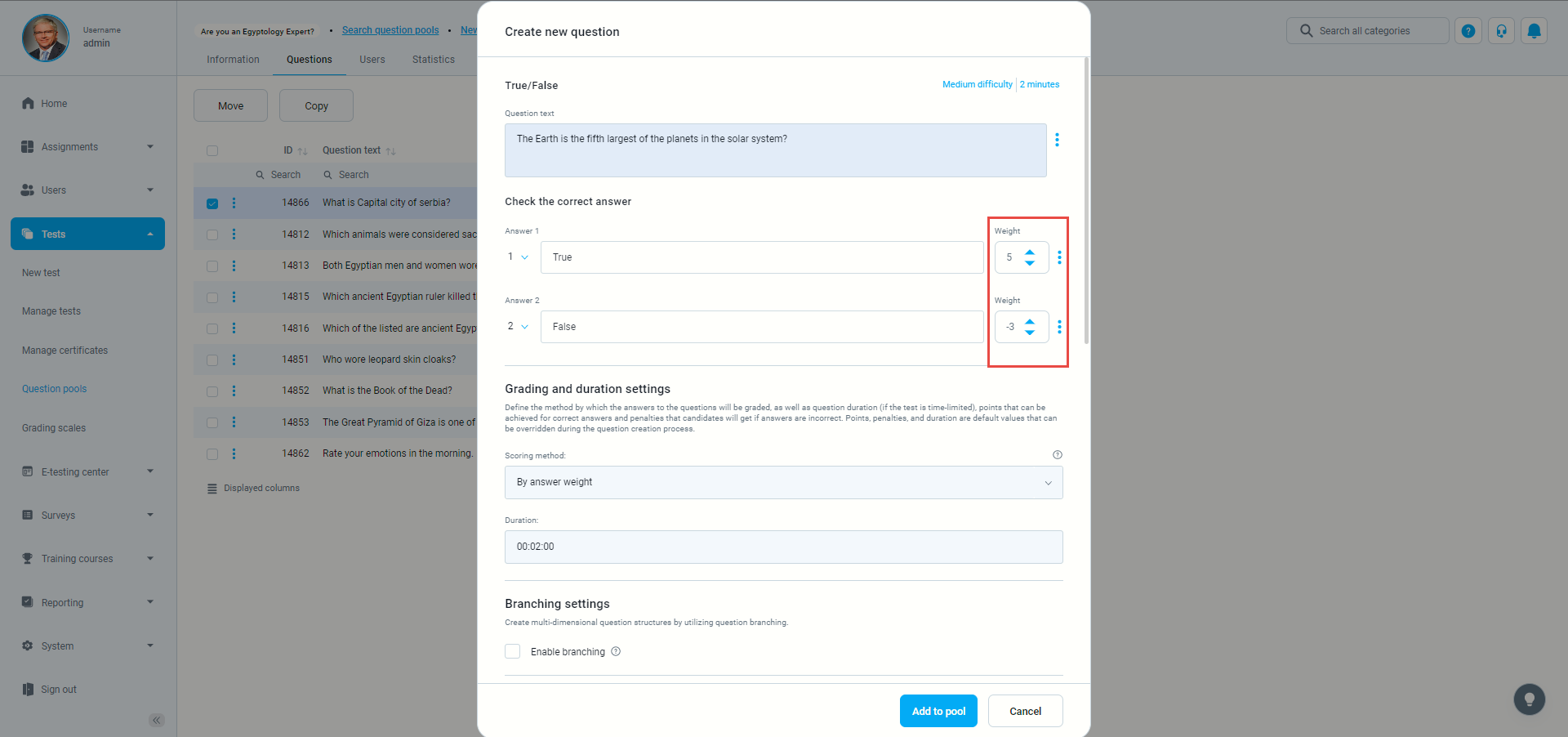
- With the “By answer weight” option, you can define the weight for each question.
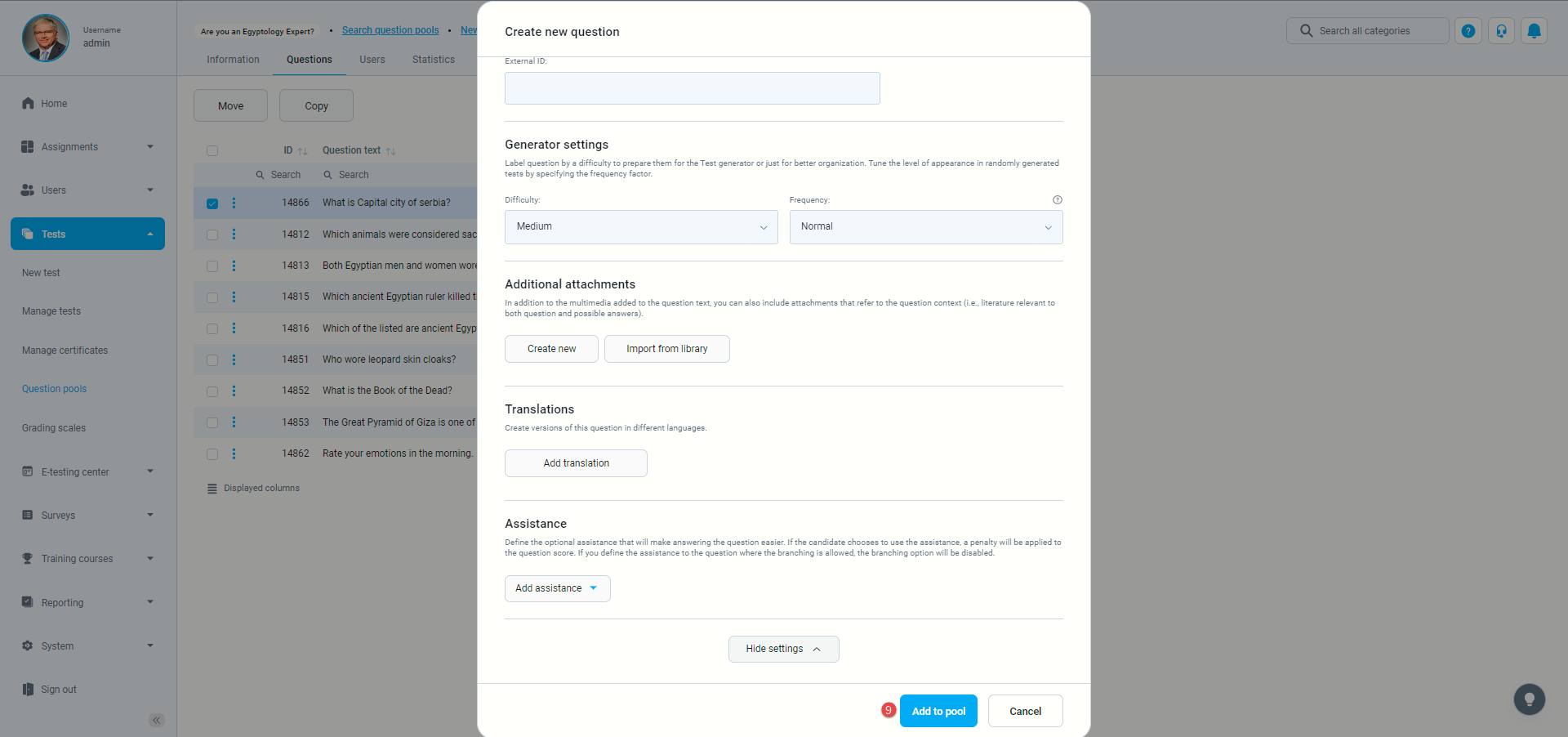
- To add a question, click “Add to pool”.